After using apt install, it turned out I already had libdgdal-dev.
ImportError: /lib/x86_64-linux-gnu/libcurl-gnutls.so.4: undefined symbol: nghttp2_option_set_no_rfc9113_leading_and_trailing_ws_validation
this error can be link to conda lib like curl who replace the original from ubuntu pkg
I think you need to have a terminal clear of conda element
I deactivated Conda before following your advice. I can give you my log from the moment I use apt install until I start MAJA and get an error.
Log_withoutConda.txt (6.8 KB)
we need to know which libcurl is used by MAJA, can you do:
source /MAJA_PATH/bin/.majaenv.sh
and give me the result for these commands in your terminal :
$LD_LIBRARY_PATH
$PYTHONPATH
$PATH
And:
ldd /MAJA_PATH/lib/libMajaAlgorithmsCommon.so !
Using ldd /MAJA_PATH/lib/libMajaAlgorithmsCommon.so gives me a big log. The other commands lead me to a “command not found” message.
ldd.txt (13.2 KB)
thank you, we see that the right curl is used (the one from MAJA/lib)
What is the issue ? You can’t find .majaenv.sh in MAJA/bin directory ?
you need to source this first and execute the three command after.
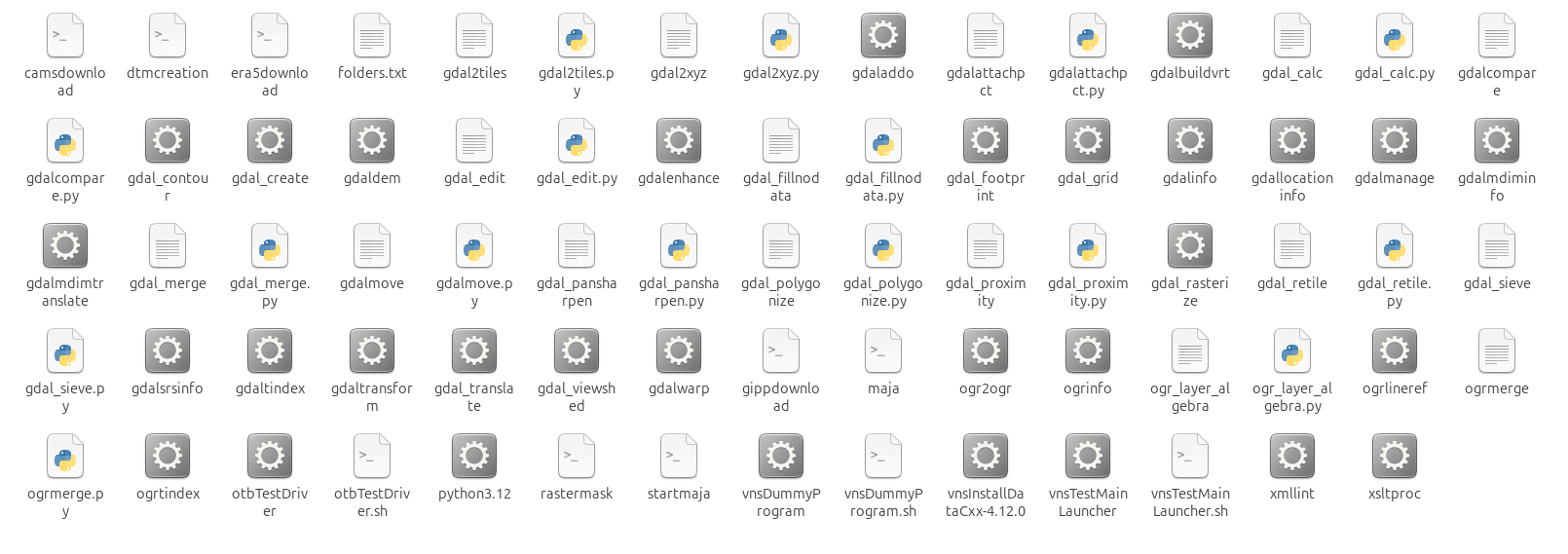
.majaenv.sh is hidden by default in your file explorer, in your terminal you should see it (ls -a)
When I use the command source /MAJA_PATH/bin/.majaenv.sh followed by $PYTHONPATH, the message I get is the following:
bash: /home/username/Bureau/Maja_1.12/build-pkg/install_maja_4.12/lib/python3.12/site-packages/osgeo/utils:/home/username/Bureau/Maja_1.12/build-pkg/install_maja_4.12//lib/python:/home/username/Bureau/Maja_1.12/build-pkg/install_maja_4.12/lib/otb/python: Aucun fichier ou dossier de ce nom
$LD_LIBRARY_PATH and $PATH give me similar messages.
Yes give me the three messages, it print the list of path where the lib are.
you can do echo $PATH also
So, $LDD_LIBRARY_PATH gives me absolutely nothing. No message at all.
$PATH gives me the following message.
bash: /home/username/Bureau/Maja_1.12/build-pkg/install_maja_4.12/bin:/home/username/miniconda3/condabin:/usr/local/sbin:/usr/local/bin:/usr/sbin:/usr/bin:/sbin:/bin:/usr/games:/usr/local/games:/snap/bin:/snap/bin: Aucun fichier ou dossier de ce nom